User Profile

Balmukund-Lakhani
 Microsoft
Joined 9 years ago


User Widgets
Recent Discussions
Re: SQL Server 2019 Installation Issues (WMI)
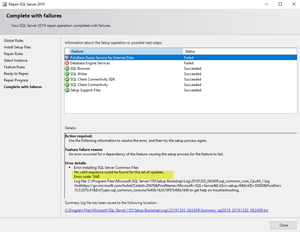
tyous_88 You need to share log folder from below path. C:\Program Files\Microsoft SQL Server\150\Setup Bootstrap\Log Since you might have attempted multiple installs the log folder might have lot of folders. Feel free to delete all folders from "log" folder, run setup again and let it fail. Whatever is generated, zip log folder again and share.4.7KViews0likes0Comments
Groups

Azure Data Community Leaders Hub
The Azure Data Community User Group Hub is a network of user groups leaders and event organizers focused on the Microsoft Data Platform. We exist to empower our community and provide resources to help you connect, learn and develop your skills. We want to increase visibility of user groups and grow their memberships. Please use this hub to connect with other group leaders about what’s working, what’s not working, how you grew your membership, tips for running Data Platform Events, seeking general help & support, finding speakers and more.Recent Blog Articles
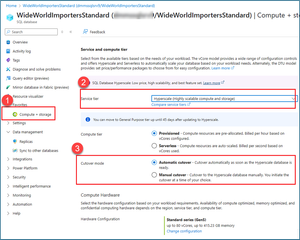
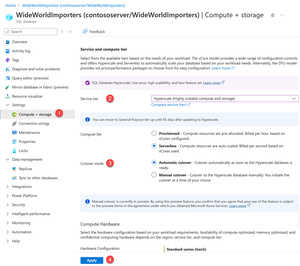
Conversion to Hyperscale: Now generally available with enhanced efficiency
We are excited to announce the general availability (GA) of the latest improvements in the Azure SQL Database conversion process to Hyperscale. These improvements bring shorter downtime, better contr...2.5KViews2likes1CommentPolyBase Error: TCP Provider: An existing connection was forcibly closed by the remote host
In this blog we are sharing details about an issue which can be seen while querying external table created in SQL 2019 with data source pointing to SQL Server 2014. The error message whic...13KViews1like1Comment