User Profile

shastah
Copper Contributor
Joined 7 years ago


User Widgets
Recent Discussions
Re: how to add multiple members to private group?
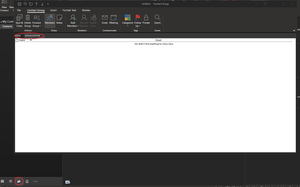
mcoulter315 I am running outlook for Office 365 on Windows 10 - go to contact (I click on the little people icon in the lower left corner) Right click anywhere in middle or right hand window where your contacts are listed and select new contact group. Give the group a name and click on Add members button, select from outlook contacts, and in the field marked members paste your semicolon separated contact list (just the emails separated by semicolons ; ) click OK, then save and close the group.
Recent Blog Articles
No content to show