User Profile

RoyGal
Former Employee
Joined 7 years ago


User Widgets
Recent Discussions
Re: Where to look for favorite or saved queries?
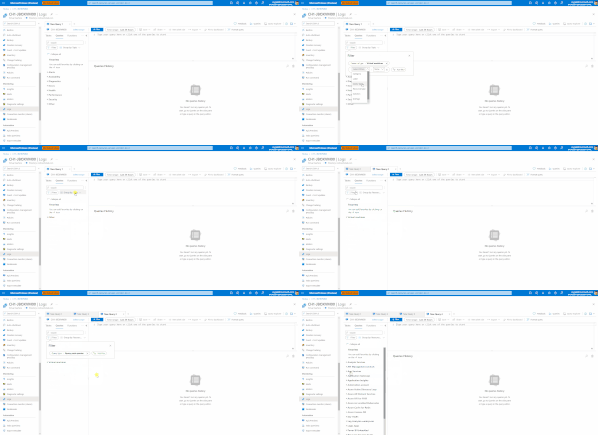
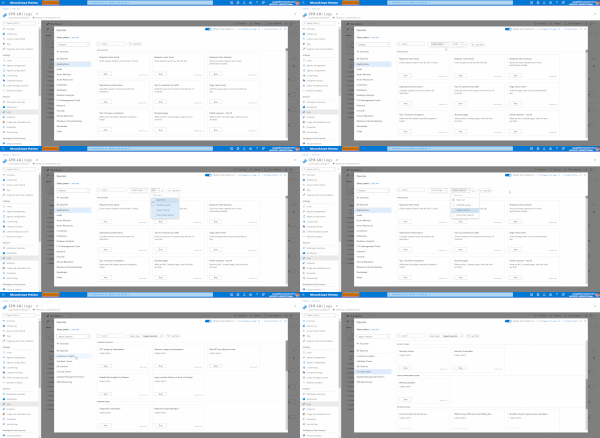
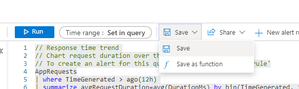
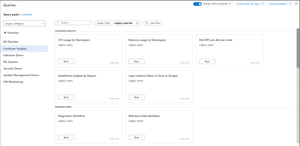
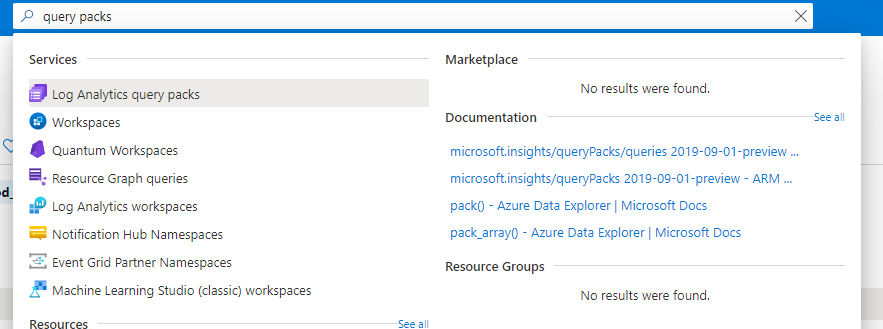
Hi HC1234 Log Analytics offers several ways to save queries. We recommend using Query packs - see more details here: https://techcommunity.microsoft.com/t5/azure-monitor-blog/log-analytics-query-packs/ba-p/2314721 Note that queries may be tied to your scope, make sure you saved your queries to a query pack and that you selected the query pack in the scope you are in. If problem persists, please contact Microsoft support. Have a great day!3.4KViews2likes1CommentRe: Pushing Log Analytics Workspace tables into SQL databases
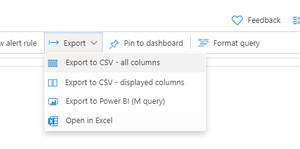
Hi Mitali645 Log Analytics and Power BI work really well together. All you need to do to use LA data in Power BI is: 1. Compose the query you want to use in Power BI in Log Analytics. 2. After you are happy with your query click "export" and use the 'export to Power BI (M query) option to create a Power BI friendly version of your query. 3. Open Power BI desktop 4. Click "get data" 5. Select "blank query" from the Get data options 6. Click "Advanced Editor" and paste the content exported from Log Analytics in the window that opens 7. Click "ok" - note - you may have to authenticate with Azure at this point You are all set! Power BI will now run the query and get the Log Analytics data into your report! You may publish the Power BI report to Powerbi.com and set a refresh schedule to your liking. Hope this helped. P.S If you still want to - you can also integrate Log Analytics with SQL. I usually use Microsoft Flow or Azure Logic app to create a flow that runs a query in LA and writes it to SQL - however, I think it will be overkill for what you are trying to achieve here. R3KViews0likes1CommentRe: Log Analytics visualizations update removes chart
Hi PatrikHansson and IQndk . Thank you for bringing this bug to our attention. This was indeed a bug in our system and we have fixed it. When you refresh your dashboard browser page, you should see your visualization exactly as you configured it. We are sorry for the inconvenience. Please let me know if you have additional questions regrading this issue. Thanks, R1.1KViews1like0CommentsRe: KQL Query. Arrange the Columns.
Hi Consultant1520 , This issue is known to us and we have it in our backlog to fix it. At this point in time, I can't commit to a timeline as the fix is dependent on other backlog items we are currently working on. Please note that you can drag and drop columns in the result set area to control how they are arranged. Thanks! R4.1KViews1like0CommentsRe: Auth issue connecting to OMS with primary shared key
Hi hiumingw, I am not clear on how you are approaching this. Log Analytics indeed uses an app key for writing data into a workspace, however, AFAIK, Power BI authenticates with Azure to gain access to data. See the attached Power BI documentation:https://docs.microsoft.com/en-us/power-bi/admin/service-admin-power-bi-security Can you try and authenticate as a user who has access to the workspace in Power BI and let me know how it goes? If I misunderstood your question or missed something in what you are trying to do - please let me know. Hope this reply is helpful! R1.7KViews0likes0Comments