User Profile

MikeFrancis
 Microsoft
Joined 8 years ago


User Widgets
Recent Discussions
Re: Packaging/Install performance
Save time during package development and register the app instead of packaging and installing. You can do this with the PowerShell command: Add-AppxPackage .\PathToPackageLayout\AppxManifest.xml This will register the app with the OS / Shell. You will be able to run the app from Start to ensure it runs properly. Once you have things working, you can then package the MSIX. (Use SDK version 10.0.17763.0+ of makeappx.exe to create the MSIX.) Don't forget to test the packaged MSIX before deployment.697Views0likes0Comments
Recent Blog Articles
MSIX - Create Desktop Shortcuts with Package Support Framework and PowerShell
This post will help you add desktop shortcuts to your MSIX packaged applications. Currently there is no built-in support in the MSIX Packaging Tool to carry over desktop shortcuts you may have define...14KViews2likes11CommentsAdd Push Notifications the easy way with Partner Center + Microsoft Store Services SDK
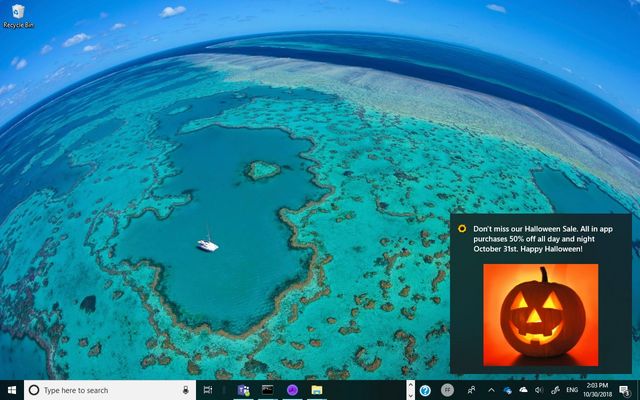
First published on MSDN on Oct 31, 2018 With the combination of the Engagement feature of Partner Center and the Microsoft Store Services SDK you can easily add Push Notifications to your Windows Pro...1.9KViews0likes0CommentsGuidance Summary for writing Windows 10 S Mode apps with Adaptive Layout, Live Tiles, and Notifications and Action Center
First published on MSDN on May 21, 2018 IntroductionMany developers writing applications for Windows 10, need to write their apps to be functional at all resolutions and windows sizes and support live...809Views0likes0Comments