User Profile

JohnnieThomas
 Microsoft
Joined 10 years ago


User Widgets
Recent Discussions
Re: Difference in calculated correlation coefficient value between Office 2016 and Office 365
Thanks for all the input. The decision to make the change was not taken lightly, but was done to provide more accurate calculations. For those looking for more details on the changes to trendline calculations, please refer to this article Changes to internal calculations of linear trendlines in a chart - Microsoft Support Johnnie Microsoft Excel1.9KViews0likes0CommentsRe: No Recommended Charts button on excel
Sorry to hear you are having trouble. Can you share a little bit more about your situation? Which version of Excel you are using (Windows, Mac, Web, etc...)? When you are show writing instead of a chart, what does it say etc...? Feel free to include screenshots if you think that would better explain the situation. Thanks!1.2KViews0likes0CommentsRe: Hello! Is there a way to produce graphics like this with Excel?
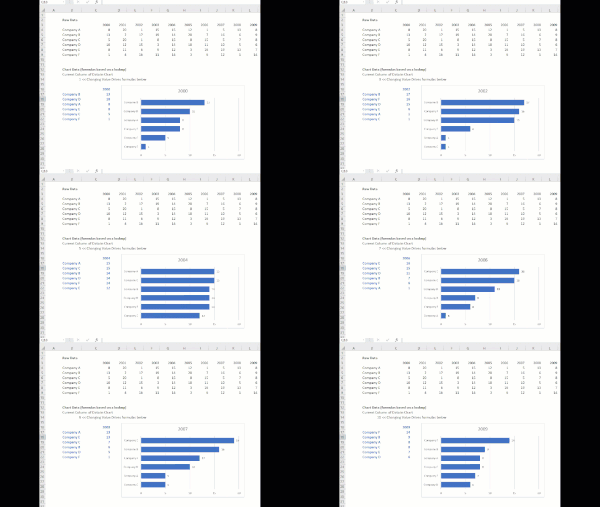
mattiapaoli thanks for you interest in Excel charting. We sometimes refer to this concept you are showing as a "Play Axis" which allow you to show multiple dimensions of your data changing over time. At the moment there is no default built-in way to give charts a Play Axis. It is possible to spoof some this concept using formulas to pull a particular subset of data (say 1 particular year from a table of years) and VBA to cycle through which specific subset of data is pulled. This doesn't give as clean a view of some of the movement, but gets near the idea. We'd love to hear from users if supporting a play axis is desirable.1KViews0likes1CommentRe: Look up to match dates and data
I agree with Olaf's suggestion you can use the MATCH formula to find Rows on your Data Sheet where there are time stamp matches. You can use the Index formula to grab a value from your Data columns. Combine them and you get the type of lookup it sounds like you need the psudeo formula is: =INDEX(Data Column in Data Sheet, MATCH(Time Stamp in Master Sheet Timestamp Column, TimeStamp Column in Data Sheet, 0))....the zero means look for exact matches Given the layout of your data you could also the VLOOKUP formula, but the INDEX/MATCH combination runs faster and is a valuable, versitile function combo to learn.12KViews1like0Comments
Recent Blog Articles
Azure Machine Learning, JS Custom Functions, and Power BI Custom Visuals Expand Dev Capabilities
Azure Machine Learning, JavaScript Custom Functions, and Power BI Custom Visuals Further Expand Developers Capabilities with Excel. At Build, we announced a powerful set of capabilities to the Exc...12KViews5likes2CommentsLearn how to “think like a Freak” with Freakonomics authors at Microsoft Data Insights Summit
With more than 5 million copies sold in 40 countries, Freakonomics is a worldwide phenomenon — and we’re thrilled to announce that authors Steven Levitt and Stephen Dubner will join us for a special ...1.6KViews1like1Comment