Forum Discussion

Files on demand - difference in 'locally available' and 'always available' files
 Oct 20, 2017
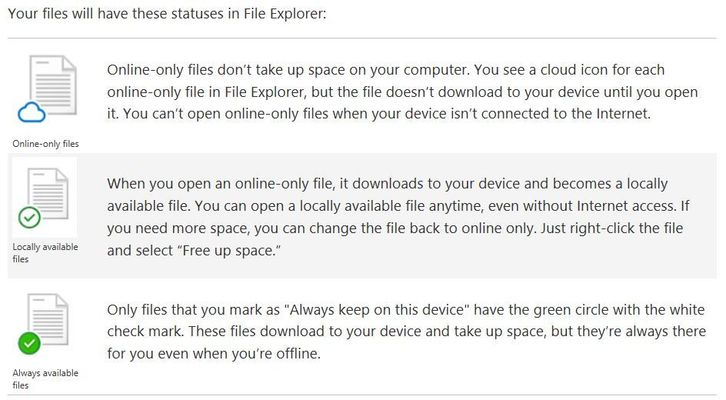
locally available files are ones you've already opened whilst online, or created while online, or created recently on another device while you were online; they stream down to your PC so you have them if you need them, but they're not guaranteed to be there. If you haven't opened the files in a while and the space is needed to stream down other recent files to make them available locally, they'll revert to being online only (AFAIK that's based on heuristics and will vary by free space, not a strict counter). if you want to guarantee that the files are always available offline, right-click and mark them as 'always available offline'. You can mix and match both kinds inside a folder.

The files are locally cached and synced. Once you run low on disk space, the oldest, unused files will be moved back to cloud (except for those marked "Always Available"). We will look to have some admin controls to set specific metrics for OneDrive in the future.