Forum Discussion

Stream "sign in" or "sign up" page blocking video views
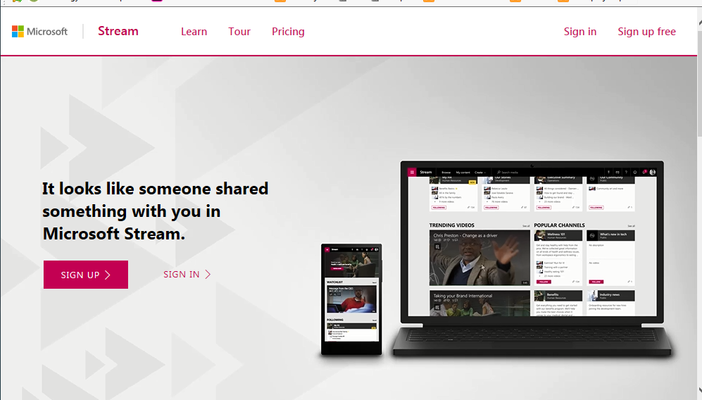

I agree. We will simply further use YouTube with private links for our content. Sad when it feels like a small fix to get this in order.
Also, you have to fix video views in Yammer. Linking video från Stream now says "Working on it" and does not always embed the video player. It does not either work in iPhone or Android apps (Teams/Yammer).

 Microsoft
We are also working with the Yammer team on making the Stream url unfurling better as well. Saili Raje is the PM on our team working on that project.
 Peter StrongNov 15, 2018Copper ContributorWe are tyring to use the embed code for MSStream videos in a sharepoint (online) page, which as other users have said works fine in most browsers on the desktop except for Safari (which has cross domain protection enabled by default - turning this off allows it to work).However we are trying to load the sharepoint page with an embedded MSStream video in a webview control using Xamarin forms however get the following error:11-14 11:55:07.426 W/zygote (18172): Attempt to remove non-JNI local reference, dumping thread[INFO:CONSOLE(0)] "Refused to display 'https://login.microsoftonline.com/common/oauth2/authorize?response_type=id_token&client_id=<blah blah blah>' in a frame because it set 'X-Frame-Options' to 'deny'.", source: https://<oursharepoint host>/Pages/Videos.aspx (0)Same page works in Chrome, IE, Firefox on the desktop, ie user is signed in to SharePoint (online) and MSStream embedded video loads.Safari does not work, and gives the following error in the console (similar to the Android emulator):
[Error] Refused to display 'https://login.microsoftonline.com/common/oauth2/authorize?response_type=id_token&client_id=89bee1f7-5e6e-4d8a-9f3d-ecd601259da7&redirect_uri=https%3A%2F%2Fwebshell.suite.office.com%2Fiframe%2FTokenFactoryIframe&state=0e6d9d94-16b5-4793-96e4-670306e2801f&client-request-id=c942ede5-0c60-4c79-906b-193ece6ecddd&x-client-SKU=Js&x-client-Ver=1.0.15&nonce=b6e7a5d3-9a75-451e-aef1-77dd6a56d065blah blah blah>' in a frame because it set 'X-Frame-Options' to 'DENY'.Chrome on the mobile device loads the page ok.Can the X-Frame-Options for login.microsoftonline.com be opened up a little to allow working in an IFrame or at least from other Office 365 services (ie SharePoint)? And sooner the better!!! Otherwise we'll be looking for other video solution options...- Marc MrozNov 15, 2018
Peter Strong - It is common practice that login pages can't happen inside of an iFrame to prevent click jacking and other security issues, thus we do not have any plans to change this. We've had to work around this limitation a ton in our implementation of the Stream embed code.
However for SharePoint Online the Stream webpart has special logic in it to help ensure that when you are already logged into SPO our video/channel embed can get all that login info automatically so you won't be presented with a sign in button. We've done a bunch of work to may the Stream webpart work on desktop/cross browser/SP Mobile app.
Is there a reason you can't use our Stream Webpart itself as that has the most robust logic for ensuring login happens across the 2 services.
Are there things you wish we could improve about the existing Stream webpart to better fit your use case?
- Peter StrongNov 15, 2018Copper Contributor
Thanks for the info Marc.
The stream web part appears as though it is only available for Modern pages? It might be an option for us if this web part can be made available for classic sites? We're on a traditional publishing site at present...