Forum Discussion

aalzhrani
Oct 13, 2020Copper Contributor
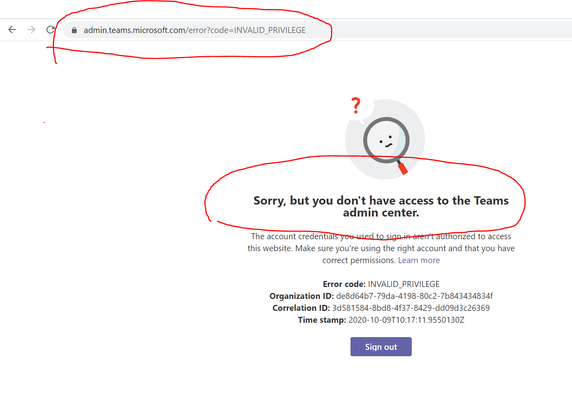
I got this error page "Sorry, but you don't have access to the Teams admin center." why?
Hi, The origin of this problem is that I needed to access Teams admin center which is a part of a solution to a problem I got in Team UI which is missing Calendar application icon. And I coul...

RuudGijsbers
Oct 14, 2020Iron Contributor
aalzhrani browse to https://aad.portal.azure.com/#blade/Microsoft_AAD_IAM/ActiveDirectoryMenuBlade/Overview
Within the Tenant Information box, your roles are shown. If you have more then 1 role, you can click through to see which roles are assigned to you. There the Teams Administrator role should be visible

aalzhrani
Oct 16, 2020Copper Contributor
I got this:
Your role
User
More info
License
Azure AD Premium P1
Tenant ID
de8d64b7-79da-4198-80c2-7b843434834f

Primary domain
mttvtcedu.onmicrosoft.com
I think of course I'm not admin. I talked to my organization IT dep. and they said it's not their responsibility since they are only IT dep. for our college which is part of many colleges to the main educational organization.
So I think I should contact the IT dep. in the main organization. Would you agree with me or there is a solution to get admin role without main IT dep. ?