Forum Discussion

Adding columns to a sharepoint after creation
- Oct 04, 2021
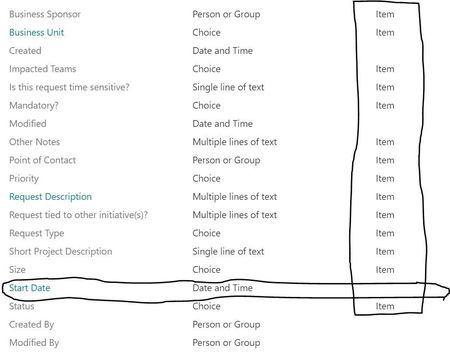
Aserata in your list settings, scroll down to Views and select All items and make sure that your new columns are selected. Or you can create a new view and select the columns you want to display. You can add hundreds of columns if you want to!
Rob
Los Gallardos
Intranet, SharePoint and Power Platform Manager (and classic 1967 Morris Traveller driver)

Aserata in your list settings, scroll down to Views and select All items and make sure that your new columns are selected. Or you can create a new view and select the columns you want to display. You can add hundreds of columns if you want to!
Rob
Los Gallardos
Intranet, SharePoint and Power Platform Manager (and classic 1967 Morris Traveller driver)
 AserataOct 04, 2021Copper ContributorRobElliott Thanks! Now I see it in the column field. I still can not enter any information, how can I do that?
- RobElliottOct 04, 2021Silver Contributor
Aserata what do you mean by "you cannot enter any information"? When you open the item in the list what do you see?
Rob
Los Gallardos
Intranet, SharePoint and Power Platform Manager (and classic 1967 Morris Traveller driver)